




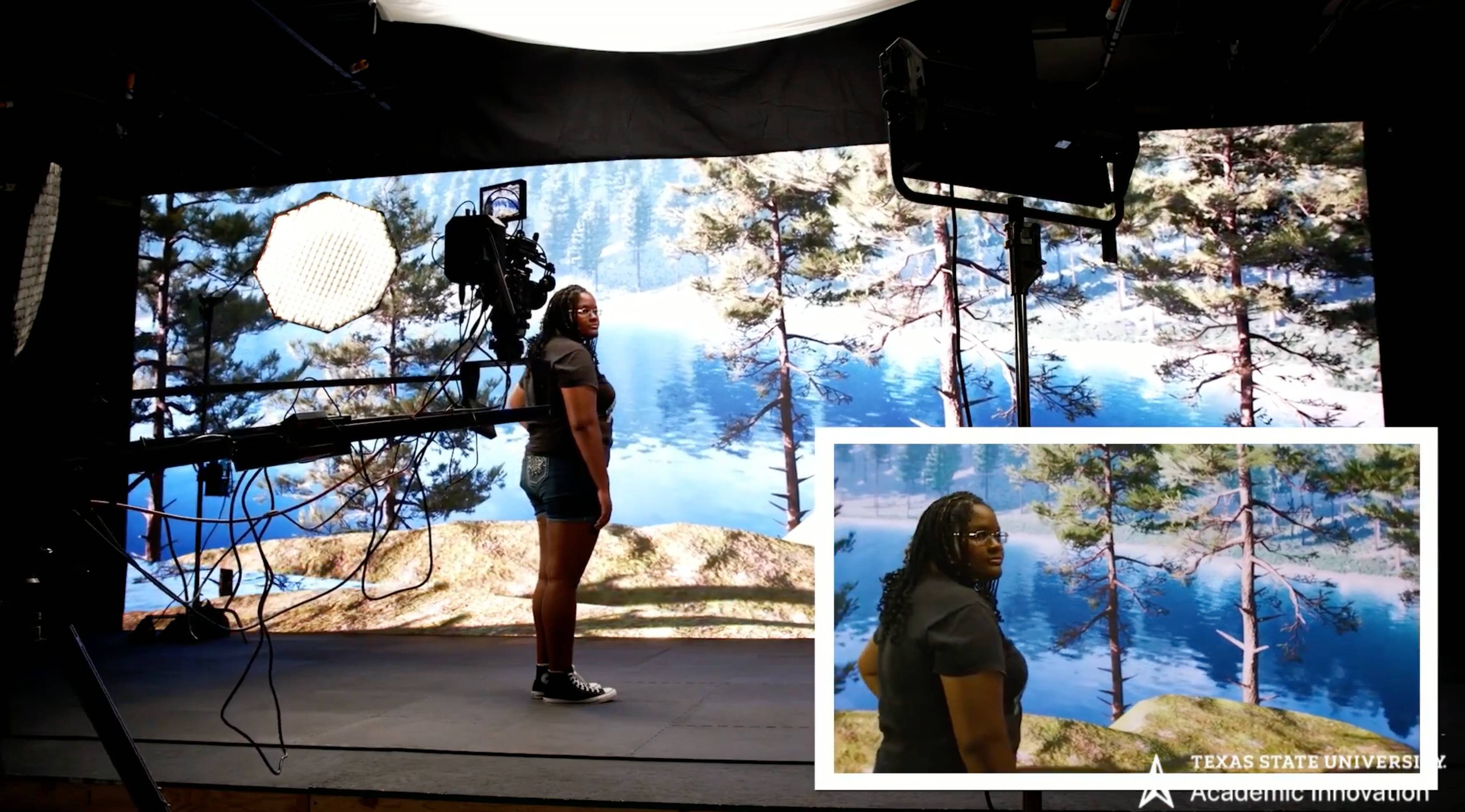
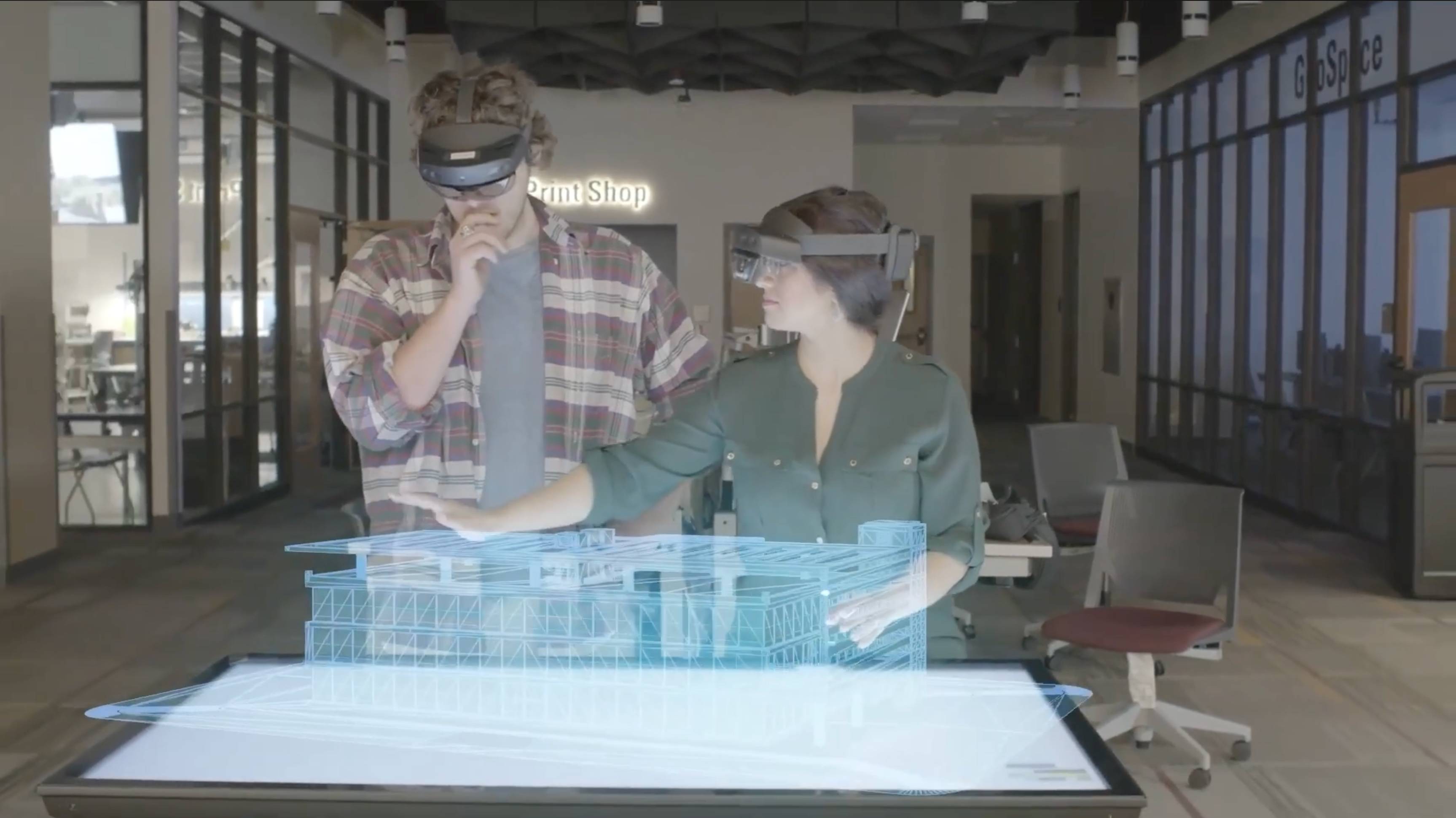
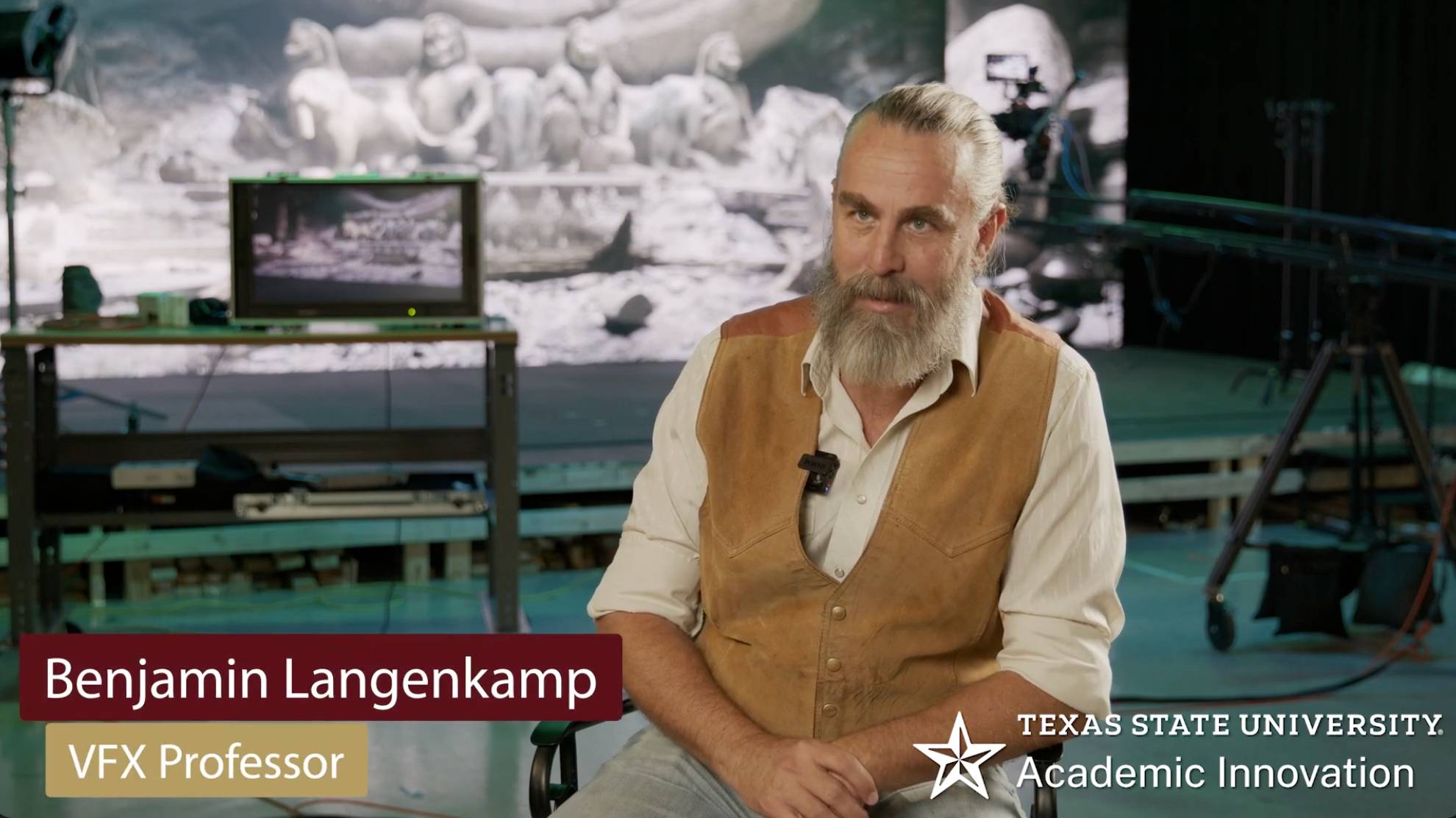
Our team is actively working on projects supported by the NSF, the Department of Veterans Affairs, Unity Technologies, and the Albert B. Alkek Foundation. See what we’re building, and come partner with us to advance new ideas across Texas State University and beyond.
Workshops & Events
- Location:
- Albert B. Alkek Library - Room 105,601 University Drive, San Marcos, Texas
- Campus Sponsor:
- Academic Innovation
AI Literacy for Students
This workshop will provide an overview of how Artificial Intelligence (AI) actually works, giving students the awareness and background knowledge to use AI tools with more skill, confidence, and judgment. Students will experience how AI functions, discuss its real-world impacts, and learn where to trust, question, verify, or refuse a tool's output.
Topics Include:
- What We Mean by AI: Generative Tools, How They Work, and Their History
- Behind the Scenes: The Environmental and Infrastructure Costs of AI
- Privacy and AI Agents: What Happens to Your Data and Conversations
- Hallucination: Why AI Output Always Needs to Be Fact-Checked
- Sycophancy: Recognizing When AI Tells You What You Want to Hear
This course is in-person only. No prior AI experience or programming experience is required.
Click here for more information- Location:
- Online
- Campus Sponsor:
- Academic Innovation
The University Curriculum Committee is a central, faculty-led governing body responsible for reviewing, evaluating and approving all academic changes to the Texas State University course catalog. It serves as a vital gatekeeper to ensure that academic programs align with our institutional goals, accreditation guidelines, and state regulations.
Each college is given an opportunity to present program and course additions, deletions, and changes to the council.
Click here for more information- Location:
- Alkek 105,Talbot St, San Marcos, TX
- Campus Sponsor:
- Academic Innovation
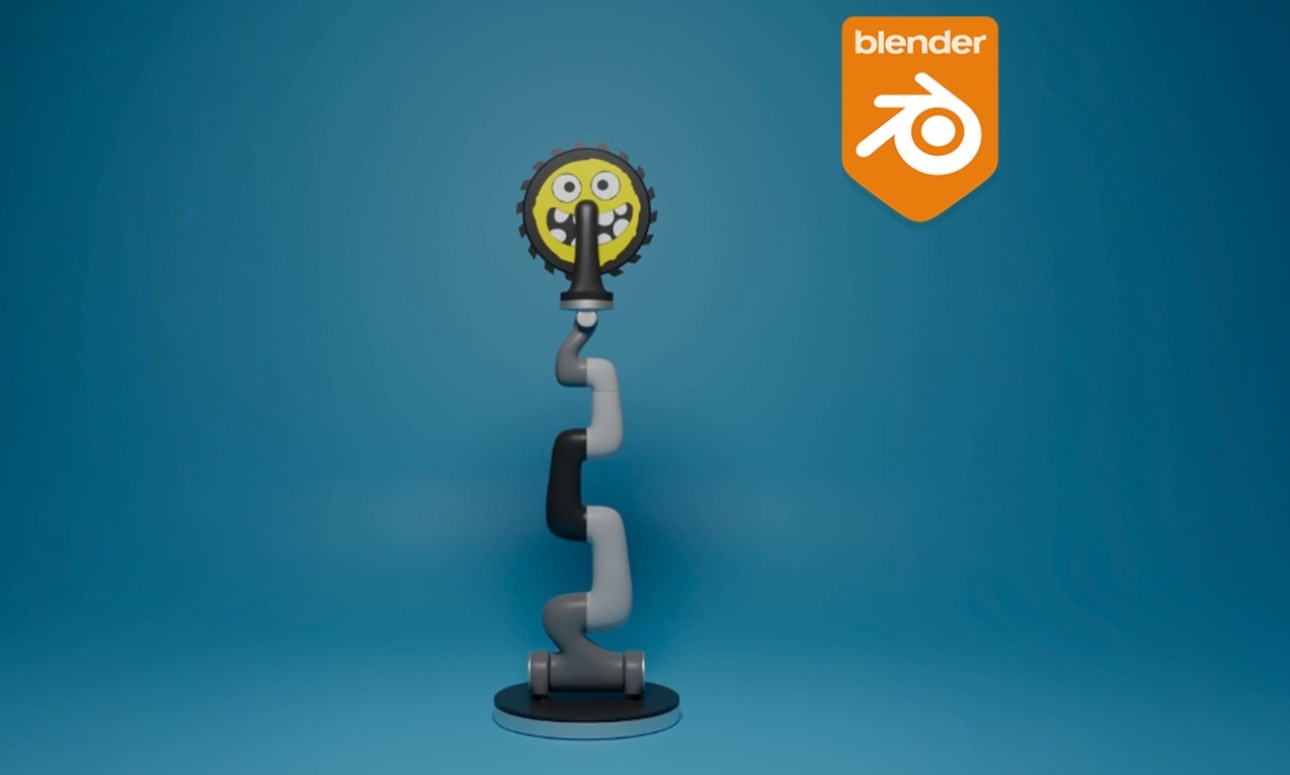
A beginner friendly workshop creating a robotic arm using Blender 3D.
NOTE: Workshop is 2 hours for 4 days. The following dates are November 2, 4, 9 and 11 from 2-4 pm. You must attend all 4 sessions for your micro-credential.
This NASA Badged workshop is introductory-level 3D modeling, unwrapping, rigging, and animation using Blender. NASA’s Scientific Visualization Studio works closely with scientists to create visualizations, animations, and images that promote a greater understanding of Earth and Space Science research activities: https://svs.gsfc.nasa.gov.
- Location:
- ALK 139,Albert B. Alkek Library 601 University Drive, San Marcos, Texas
- Campus Sponsor:
- Academic Innovation
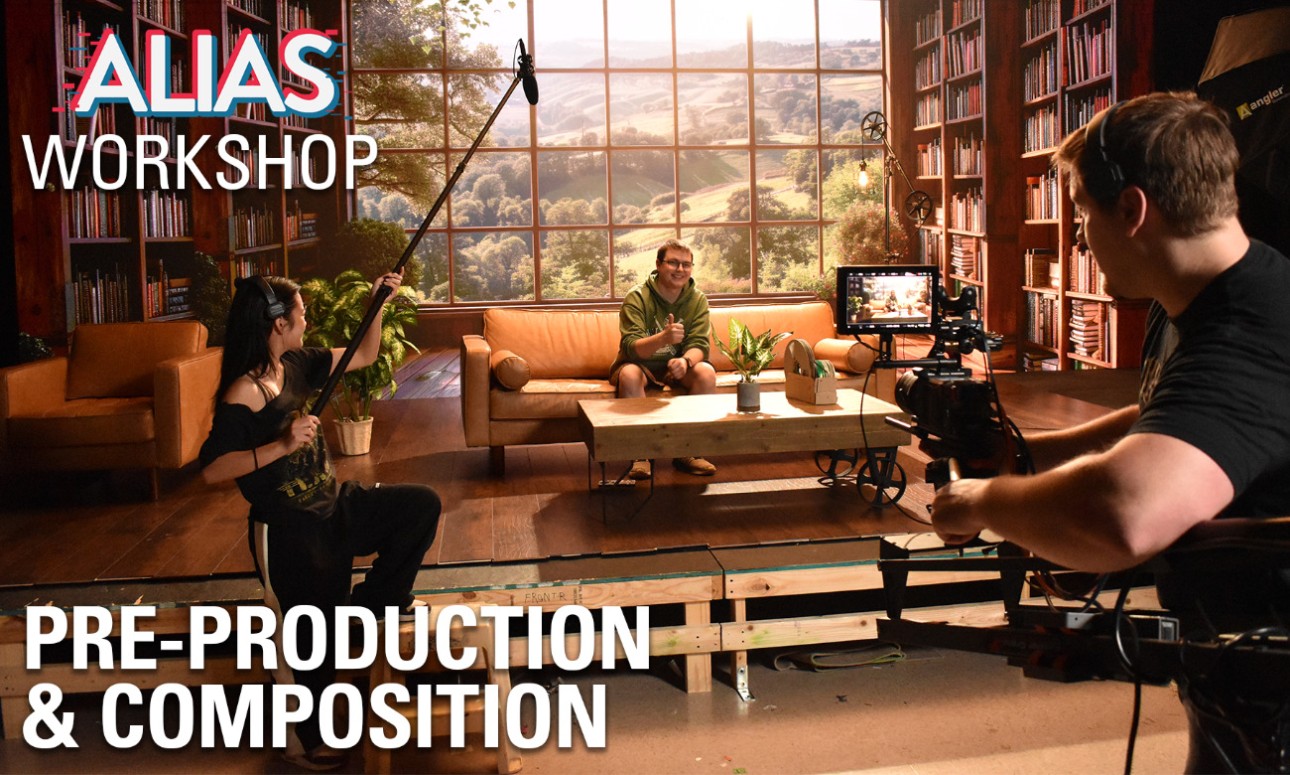
Learn how to prepare for a shoot, effectively use a camera, utilize lighting equipment and techniques, capture clear audio, and learn best practices for filming on an LED volume. Students will learn these practices in a classroom setting and then spend the second half of the workshop in the Virtual Production studio using these skills hands on. No prior experience necessary.
Part 1 Pre-Production and Composition will cover the following: Screenplays, Scripts, Storyboards, Shotlist, Shot Composition, Camera Movements, The Rule of Thirds, The 180 Degree Rule, and a brief introduction to the ALIAS Virtual Production Studio and the studio equipment.
The class will meet twice a week for two weeks. You must attend all four sessions to earn the micro-credential.
Part 1: Pre-Production and Composition - 11/02/2026 2:00pm-4:00pm - ALK139
Part 2: Cinema Cameras and Lighting - 11/04/2026 2:00pm-4:00pm - ALK139
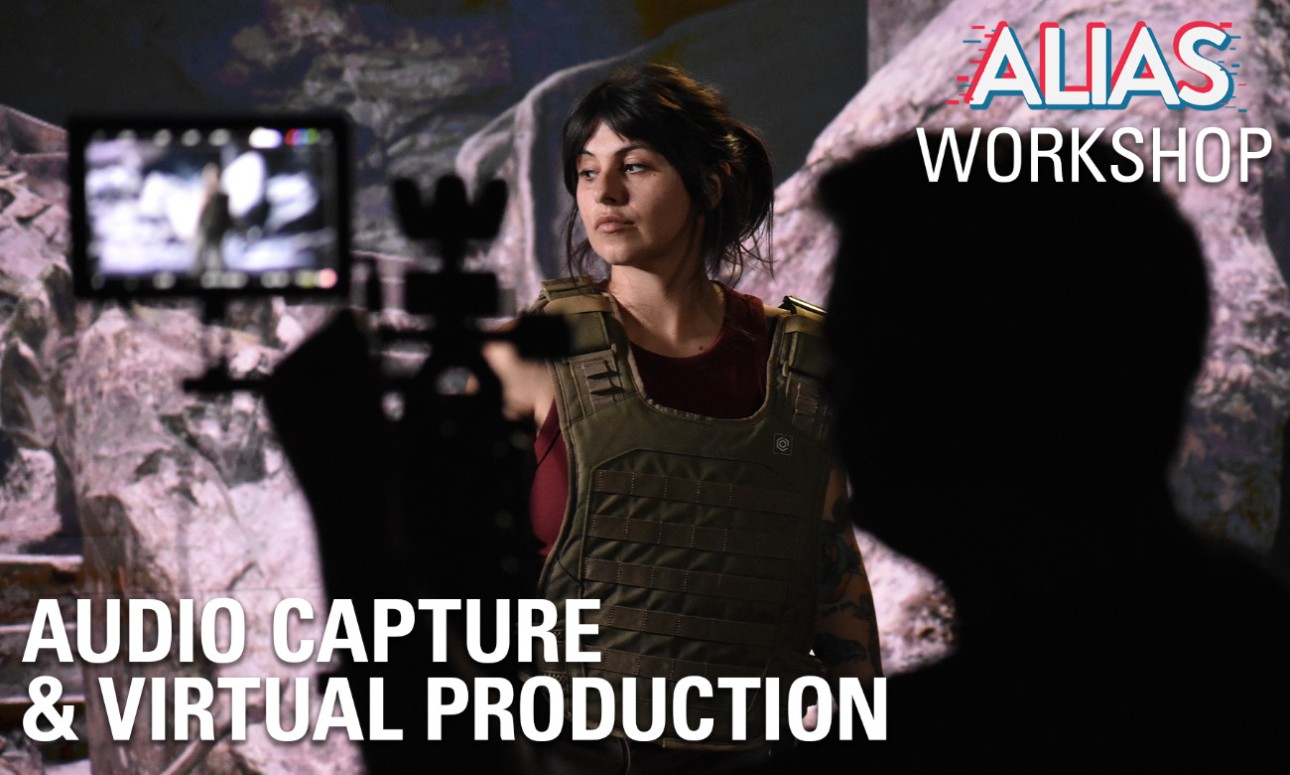
Part 3: Audio Capture and Virtual Production - 11/09/2026 2:00pm-4:00pm - ALK139
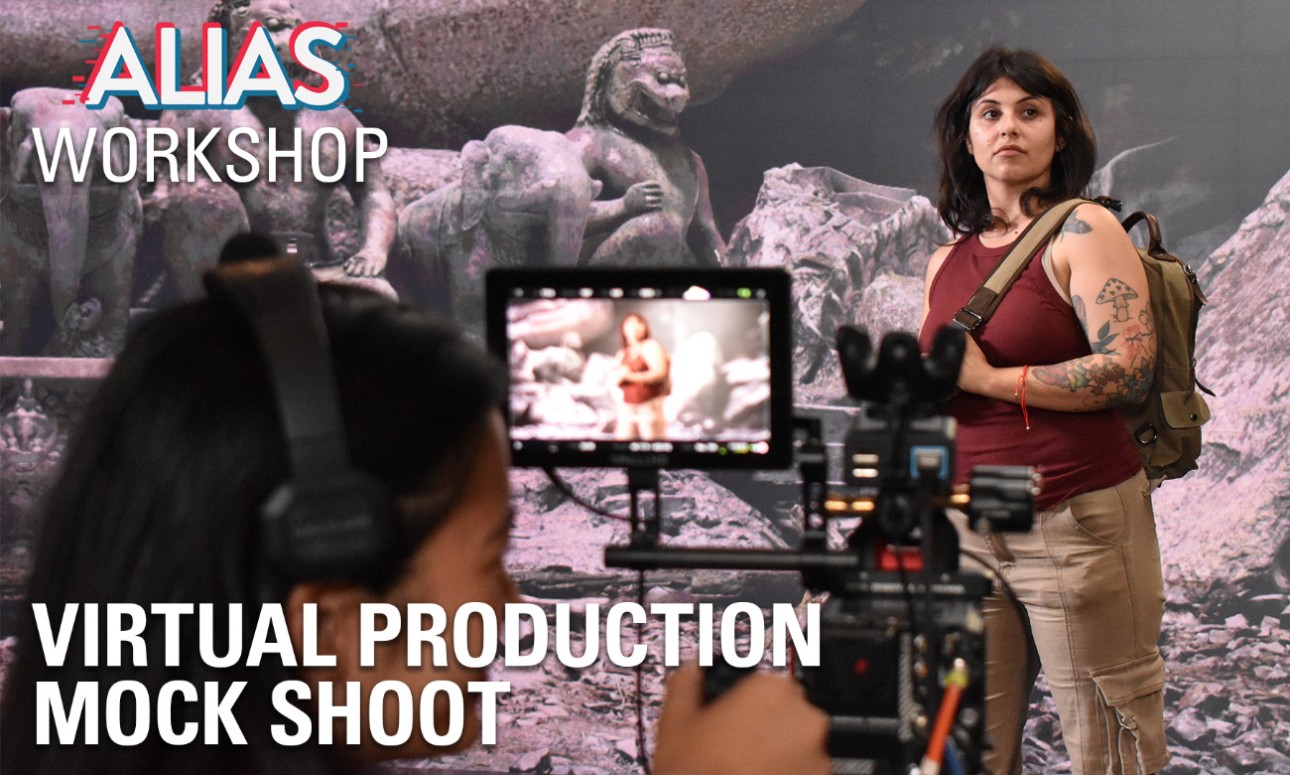
Part 4: Mock Virtual Production Shoot - 11/11/2026 2:00pm-4:00pm - ALK139
Click here for more information- Location:
- The Wittliff Collections, Alkek Library,601 University Dr, San Marcos, TX
- Campus Sponsor:
- Academic Innovation
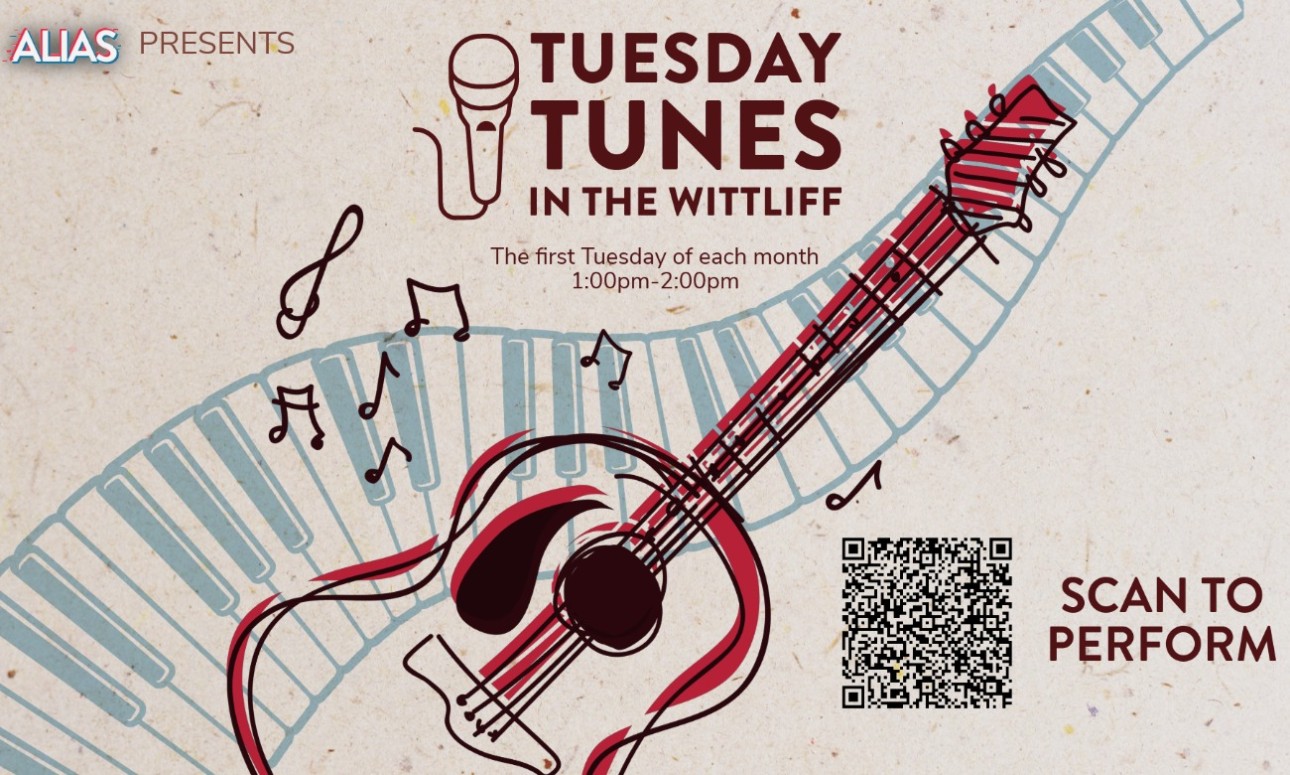
Catch an open mic performance in the Wittliff Collections on the first Tuesday of each month! Instruments and microphones from ALIAS Audio and Music Production (AMP) Studios will be moved into the Wittliff Collections on the 7th floor of Alkek Library for students to play. Come listen to tunes while you browse the collections, or sign up to perform here. All skillsets are welcome at this inclusive event.
Click here for more information- Location:
- Albert B. Alkek Library - Room 105,601 University Drive, San Marcos, Texas
- Campus Sponsor:
- Academic Innovation
AI Literacy for Students
This workshop will provide an overview of how Artificial Intelligence (AI) actually works, giving students the awareness and background knowledge to use AI tools with more skill, confidence, and judgment. Students will experience how AI functions, discuss its real-world impacts, and learn where to trust, question, verify, or refuse a tool's output.
Topics Include:
- What We Mean by AI: Generative Tools, How They Work, and Their History
- Behind the Scenes: The Environmental and Infrastructure Costs of AI
- Privacy and AI Agents: What Happens to Your Data and Conversations
- Hallucination: Why AI Output Always Needs to Be Fact-Checked
- Sycophancy: Recognizing When AI Tells You What You Want to Hear
This course is in-person only. No prior AI experience or programming experience is required.
Click here for more information- Location:
- ALK 139,Albert B. Alkek Library 601 University Drive, San Marcos, Texas
- Campus Sponsor:
- Academic Innovation
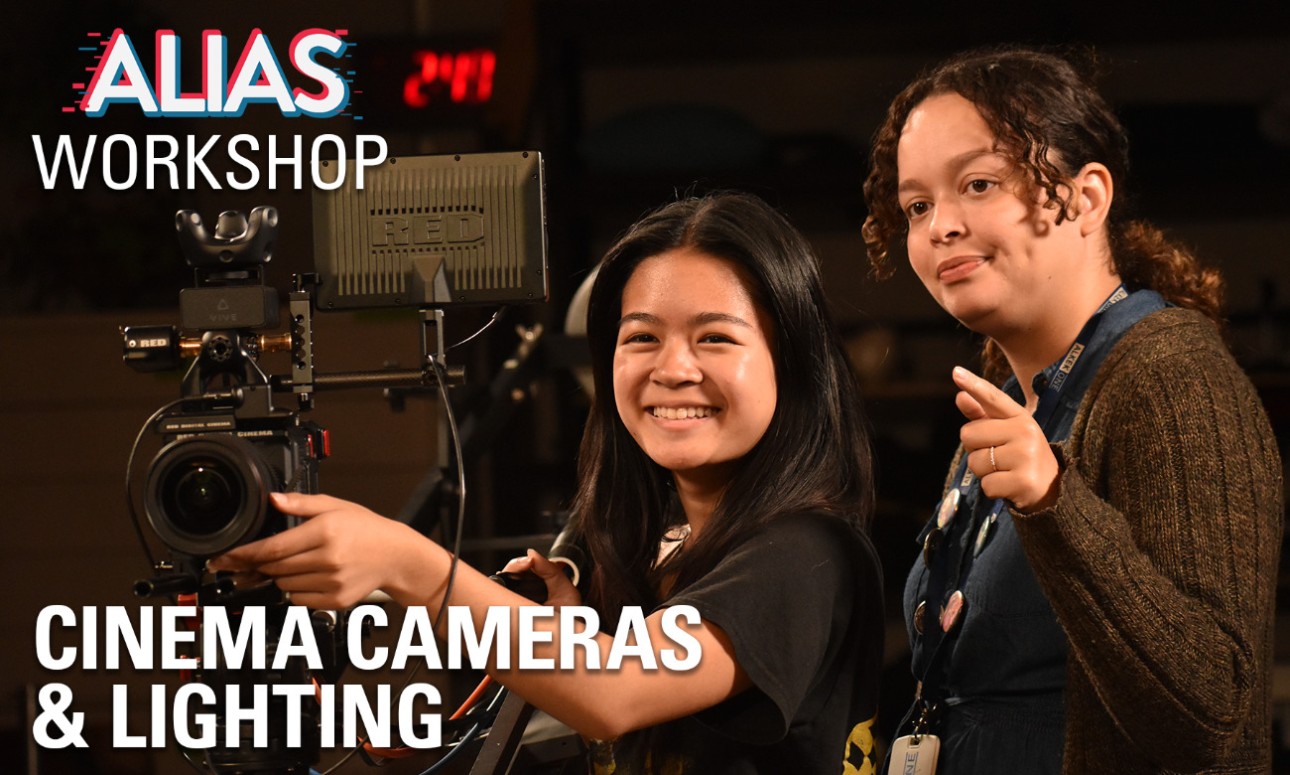
Learn how to prepare for a shoot, effectively use a camera, utilize lighting equipment and techniques, capture clear audio, and learn best practices for filming on an LED volume. Students will learn these practices in a classroom setting and then spend the second half of the workshop in the Virtual Production studio using these skills hands on. No prior experience necessary.
Part 2 Cinema Cameras and Lighting will cover the following: Exposure, Camera Settings, Exposure Triangle, Lighting, Color Correction/Grading
The class will meet twice a week for two weeks. You must attend all four sessions to earn the micro-credential.
Part 1: Pre-Production and Composition - 11/02/2026 2:00pm-4:00pm - Classroom ALK139
Part 2: Cinema Cameras and Lighting - 11/04/2026 2:00pm-4:00pm - Classroom ALK139
Part 3: Audio Capture and Virtual Production - 11/09/2026 2:00pm-4:00pm - Classroom ALK139
Part 4: Mock Virtual Production Shoot - 11/11/2026 2:00pm-4:00pm - ALK139
Upon completion of this workshop, you will receive a micro-credential badge in Canvas.
Click here for more information- Location:
- Albert B. Alkek Library - Room 105,601 University Drive, San Marcos, Texas
- Campus Sponsor:
- Academic Innovation
Build something real in 72 hours! The Immersion Studio Hackathon is a team-based build sprint. You'll design and create a 3D user interface project in Unity, using the Immersion Studio's projection and interactive technology.
Details
- When: Friday, November 6 at 12 PM to Monday, November 9 at 12 PM
- Where: Alkek One Design Space (first floor of Alkek Library). Final projects are submitted online.
- Who: Any Texas State student. New and experienced programmers are equally welcome.
- Teams: Up to 5 people. Bring a team or find one in the Discord.
- Prizes: $1,000 for 1st place, $700 for 2nd place and $300 for 3rd place
Get ready before the event: On Thursday, November 5, the Immersion Studio is hosting a Unity Basics + XR Integration Workshop in Alkek Library, Room 105. Each session runs about 1 hour, and you can join whichever one fits your class schedule: 11 AM, 2 PM or 4 PM. You can also stop by the Immersion Studio any time it's open to try the headsets and set up Unity, and find starter resources in the Discord.
How it works
- Build (Fri, Nov 6 at 12 PM to Mon, Nov 9 at 12 PM): Teams form and start building Friday at noon. Commit to your repository throughout the event, not just at the end.
- Submit (by Mon, Nov 9 at 12 PM): Submit your project at https://forms.cloud.microsoft/r/0hwfGAFkXA with:
- A demo video (3 to 5 minutes) showing your project in action, including a short segment where team members explain how a key part of the code works
- A link to your project repository
- A demo video (3 to 5 minutes) showing your project in action, including a short segment where team members explain how a key part of the code works
- Judging: Judges review all submissions and score them on novelty, technical execution, presentation and collaboration.
- Finalist Q&A: Top teams are invited to a short Q&A, about 10 minutes per team. Each team walks through its project, and every member should be ready to explain how their code works.
- Results: Winners are announced in the Discord and by email.
Using AI: AI coding assistants are welcome, as long as you understand and can explain the code you submit. Finalists will be asked about their code, so make sure every team member knows how the project works.
Beyond the Hackathon: The first-place team will have the opportunity to further develop its project toward submission to the 3DUI Contest at IEEE VR 2027, an international competition for 3D user interface design. Guidance and support will come from the Immersion Studio and the Texas State XPI Lab.
Join the Discord: https://discord.com/invite/PBQj2BFsD
Hosted by the Immersion Studio (ALIAS) in collaboration with the Texas State XPI Lab.
Click here for more information- Location:
- Maker Space
- Campus Sponsor:
- Academic Innovation
Always wanted to sew, but don't know how to get started? Why not join us for a Making with Fabric workshop? We will introduce you to some sewing basics and show you the first steps in using a sewing machine.
Click here for more information- Location:
- ALK 139,Albert B. Alkek Library 601 University Drive, San Marcos, Texas
- Campus Sponsor:
- Academic Innovation
Learn how to prepare for a shoot, effectively use a camera, utilize lighting equipment and techniques, capture clear audio, and learn best practices for filming on an LED volume. Students will learn these practices in a classroom setting and then spend the second half of the workshop in the Virtual Production studio using these skills hands on. No prior experience necessary.
Part 3 Audio Capture and Virtual Production will cover the following: Audio equipment, audio balancing and syncing, the benefits/limitations of filming in a studio, genlock, moire, lighting for virtual production, and hands on practice in the studio.
The class will meet twice a week for two weeks. You must attend all four sessions to earn the micro-credential.
Part 1: Pre-Production and Composition - 11/02/2026 2:00pm-4:00pm - ALK139
Part 2: Cinema Cameras and Lighting - 11/04/2026 2:00pm-4:00pm - ALK139
Part 3: Audio Capture and Virtual Production - 11/09/2026 - 2:00pm-4:00pm - ALK139
Part 4: Mock Virtual Production Shoot - 11/11/2026 2:00pm-4:00pm - ALK139
Upon completion of this workshop, you will receive a micro-credential badge in Canvas.
Click here for more information- Location:
- Albert B. Alkek Library - Room 105,601 University Drive, San Marcos, Texas
- Campus Sponsor:
- Academic Innovation
Unity Console Development
This 2-session workshop introduces students to developing games for console platforms (PS5, Xbox, Switch) using Unity. Students will set up the Unity editor and build environment for console-style development, create a basic game with controller input, and learn the real-world steps involved in publishing a game to console platforms.
Session Breakdown:
- Session 1 - Foundations: Students will set up the Unity editor, project, and build settings for console-style development, then build a basic game with functioning controller input.
- Session 2 - Publishing: A presentation covering the actual steps and requirements for publishing a game to console platforms, followed by open work time for students to continue developing their game for the remainder of the session.
Topics Include:
- Unity Editor and Build Setup for Console Development
- Connecting Inputs to a Controller
- Basic Game Functionality and Testing
- The Console Publishing Pipeline (Certification, Platform Requirements, Submission)
- Using AI to Support Game Development
Students are encouraged to use AI tools to help develop their games, with a focus on achieving a base game project to build off of.
This course is in-person only. Some basic experience with Unity and/or C# is recommended.
Click here for more information- Location:
- ALIAS AMP Studios, Alkek Library,601 University Dr., San Marcos, TX
- Campus Sponsor:
- Academic Innovation
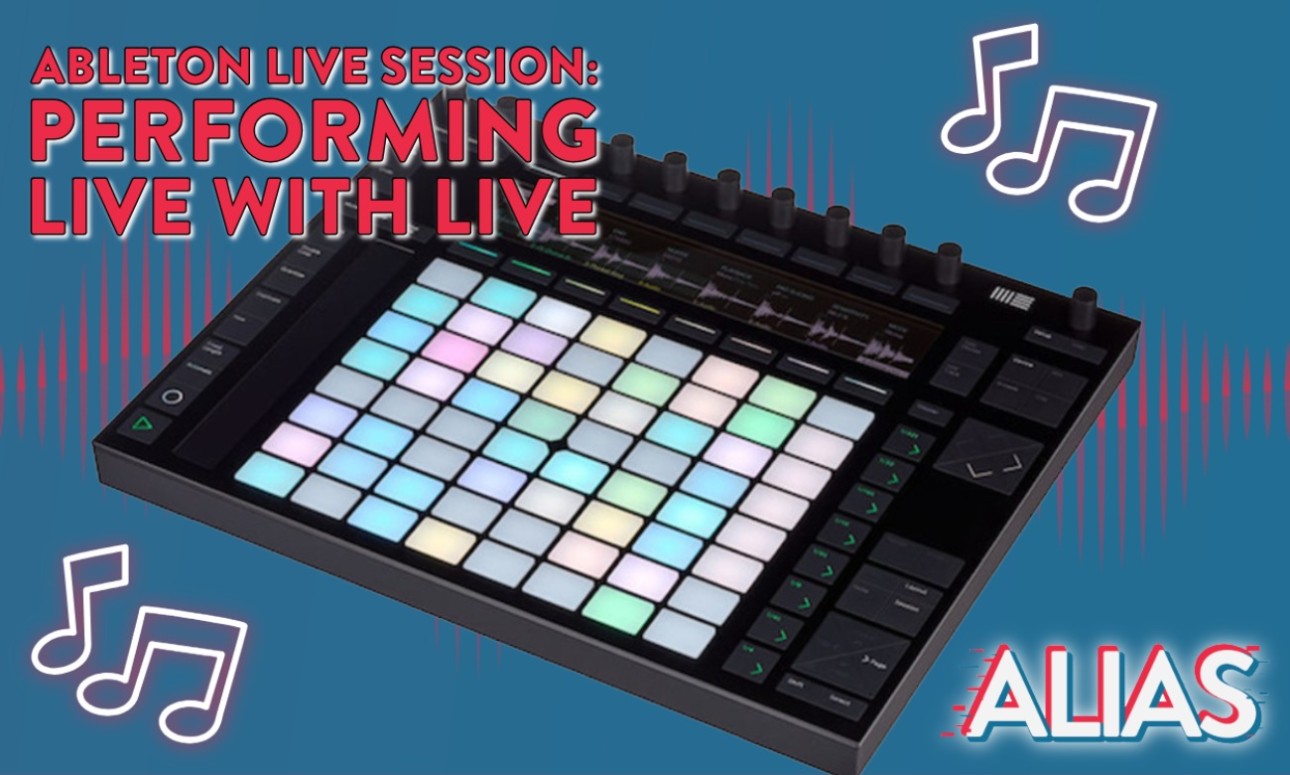
Join Professor Ricky Hall in his intimate workshop series. He will walk students through Ableton Live using equipment in ALIAS AMP Studios on the first floor of Alkek Library. All skill levels are welcome!
Session Three: Learn how to perform live with Ableton Live. The first hour of the workshop will be instruction. Then, students will be invited to join a jam session. Students are encouraged to bring their own laptops, headphones, and MIDI controllers if possible.
- Location:
- ALK 139,Albert B. Alkek Library San Marcos, San Marcos, Texas
- Campus Sponsor:
- Academic Innovation
Learn how to prepare for a shoot, effectively use a camera, utilize lighting equipment and techniques, capture clear audio, and learn best practices for filming on an LED volume. Students will learn these practices in a classroom setting and then spend the second half of the workshop in the Virtual Production studio using these skills hands on. No prior experience necessary.
Part 3 Audio Capture and Virtual Production will cover the following: Audio equipment, audio balancing and syncing, the benefits/limitations of filming in a studio, genlock, moire, lighting for virtual production, and hands on practice in the studio.
The class will meet twice a week for two weeks. You must attend all four sessions to earn the micro-credential.
Part 1: Pre-Production and Composition - 11/02/2026 2:00pm-4:00pm - ALK139
Part 2: Cinema Cameras and Lighting - 11/04/2026 2:00pm-4:00pm - ALK139
Part 3: Audio Capture and Virtual Production - 11/09/2026 2:00pm-4:00pm - ALK139
Part 4: Mock Virtual Production Shoot - 11/11/2026 2:00pm-4:00pm - ALK139
Upon completion of this workshop, you will receive a micro-credential badge in Canvas.
Click here for more information
- Location:
- Albert B. Alkek Library - Room 105
- Campus Sponsor:
- Academic Innovation
Unity Console Development
This 2-session workshop introduces students to developing games for console platforms (PS5, Xbox, Switch) using Unity. Students will set up the Unity editor and build environment for console-style development, create a basic game with controller input, and learn the real-world steps involved in publishing a game to console platforms.
Session Breakdown:
- Session 1 - Foundations: Students will set up the Unity editor, project, and build settings for console-style development, then build a basic game with functioning controller input.
- Session 2 - Publishing: A presentation covering the actual steps and requirements for publishing a game to console platforms, followed by open work time for students to continue developing their game for the remainder of the session.
Topics Include:
- Unity Editor and Build Setup for Console Development
- Connecting Inputs to a Controller
- Basic Game Functionality and Testing
- The Console Publishing Pipeline (Certification, Platform Requirements, Submission)
- Using AI to Support Game Development
Students are encouraged to use AI tools to help develop their games, with a focus on achieving a base game project to build off of.
This course is in-person only. Some basic experience with Unity and/or C# is recommended.
Click here for more information
Expand All Content

Strutting into the Future: ALIAS hosts a unique fashion show celebrating immersive technology
May 4, 2026
It started with a simple cotton t-shirt. With help from Creative Technologies and Media Engagement (CTME), it transformed into 3D models, a live-streamed fashion show, a public gallery, and an experience Texas State University students will take with them into the professional world. CTME teamed up with TXST Fashion Merchandising to create this one...
Featured Content
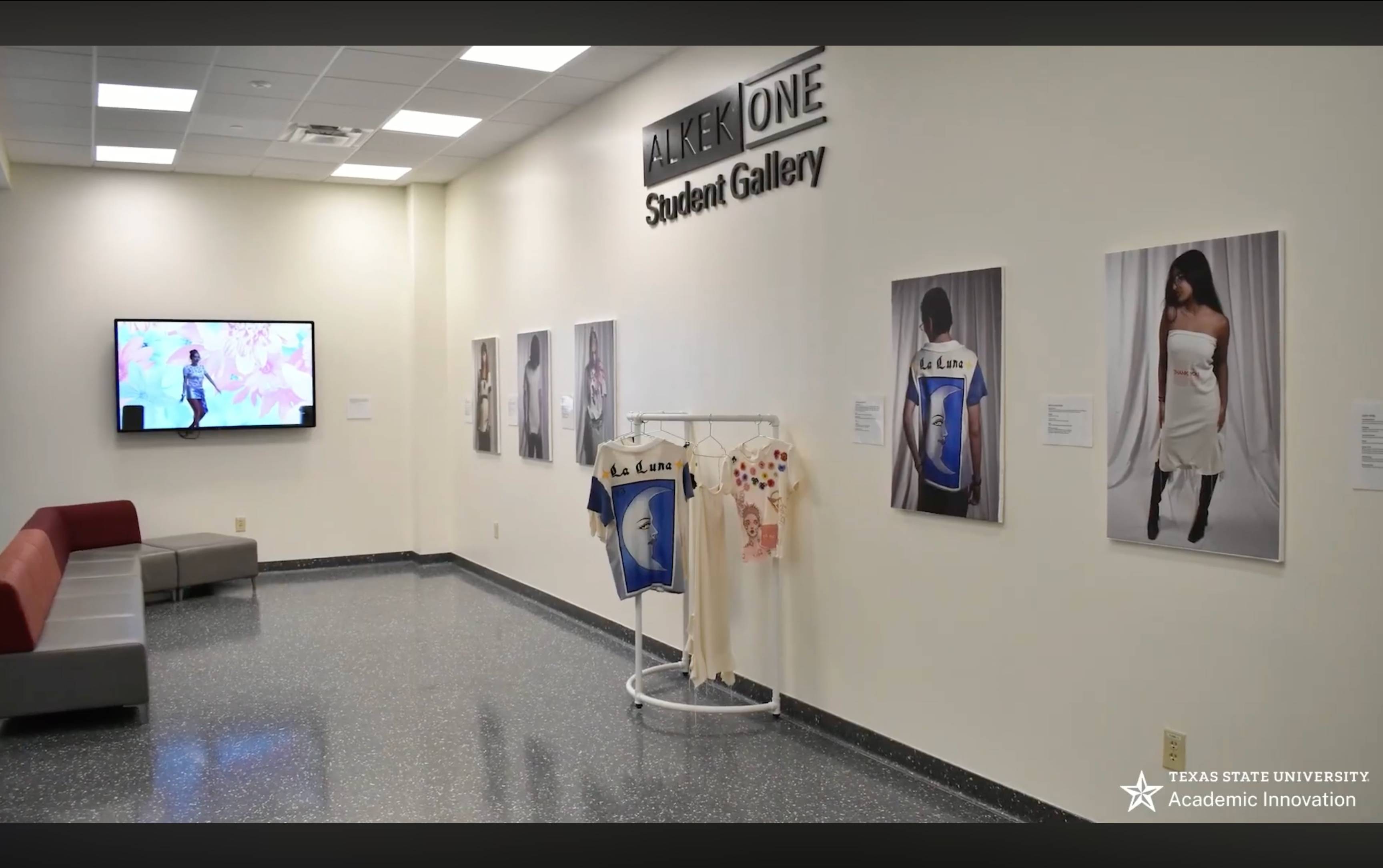
Digital Fashion Visualization
Educational Opportunities
Our micro-credentials provide guided pathways through a series of workshops that lead to shareable badges. We also offer one-off workshops that provide quick, hands-on sessions for learning new tools and techniques. Together they give learners flexible ways to build practical, future-ready skills.